Live Positions
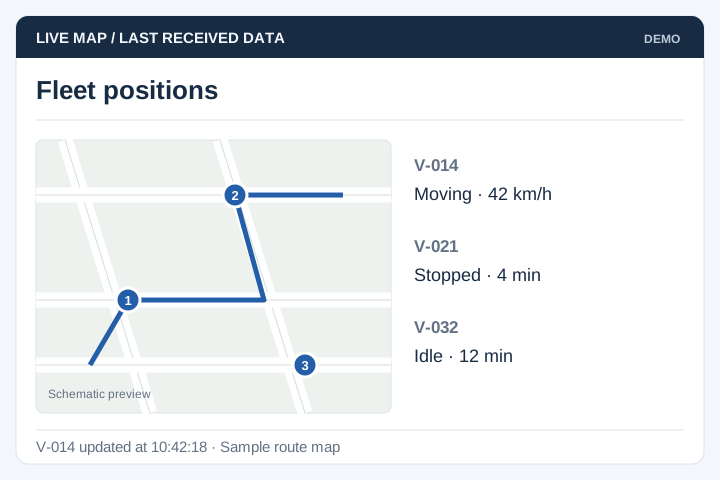
Display the latest available vehicle position, status and timestamp from the tracking source.
Solution
UNO develops fleet portals using supported tracking data to help operations teams review vehicle positions, journeys and utilisation. Hardware compatibility, update frequency and the reports needed by dispatch determine the scope.
Illustrative interface previews with sample data. Final screens are designed around your requirements.
Display the latest available vehicle position, status and timestamp from the tracking source.
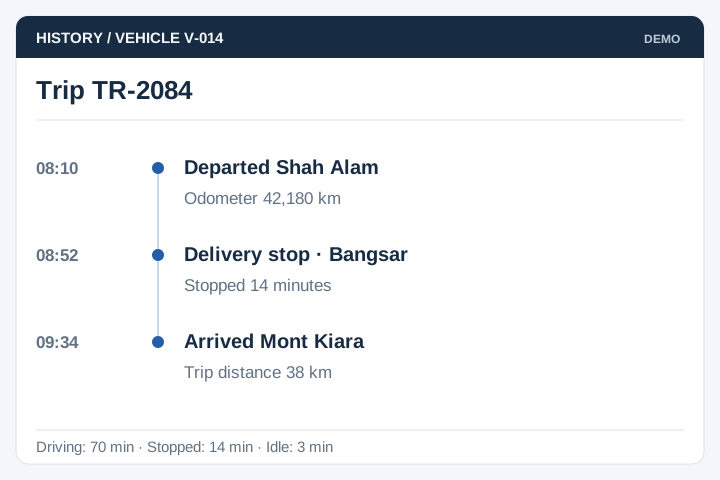
Review recorded journeys, stops and idle periods supported by the data feed.
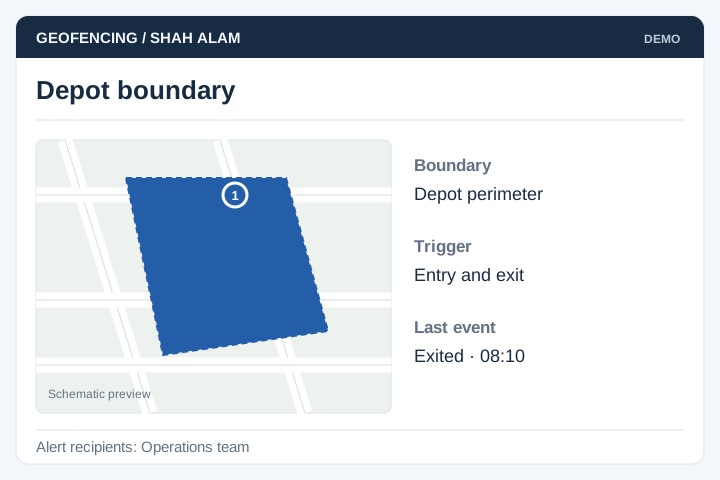
Define location boundaries and the events that should trigger an alert.
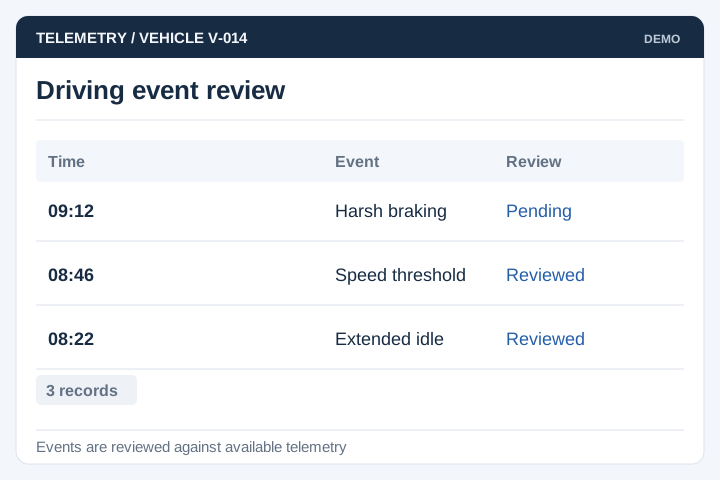
Use available telemetry to report agreed driving events, with a review process for exceptions.
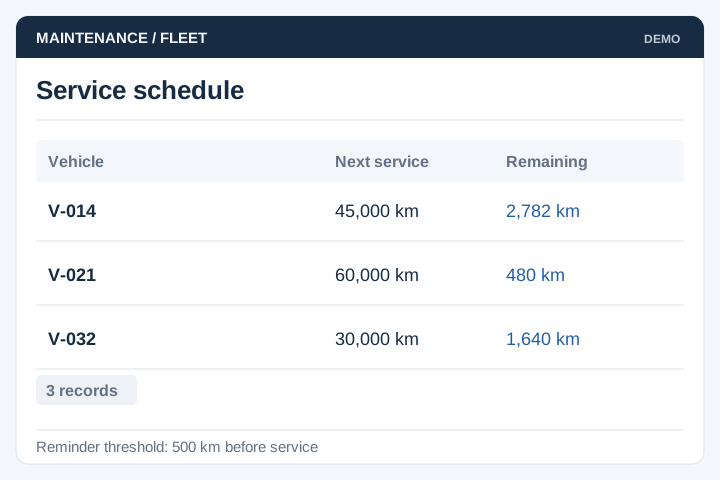
Track service schedules using the mileage or operating-hour data available.
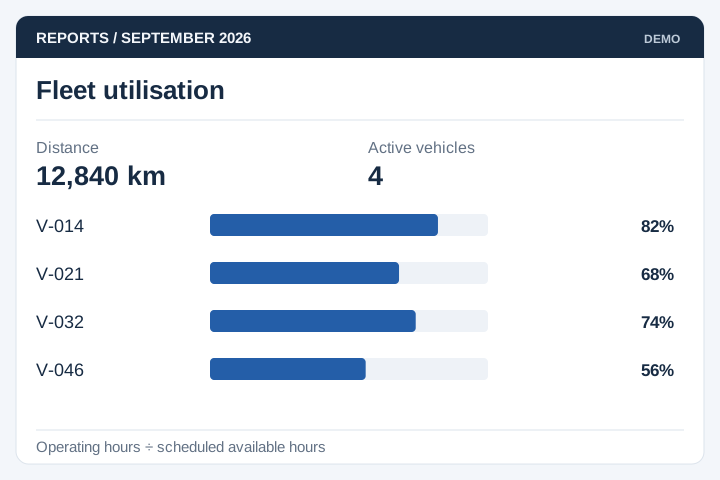
Compare vehicle use by route, period or department using agreed measures.
Hardware and connectivity affect what the portal can show. Validate sample records, gaps in coverage and the update rate before relying on the data for operational decisions.

A staged delivery process with agreed scope, review points and acceptance criteria.
Review the current workflow, users, records and systems with the people responsible.
Agree the scope, screen flows, integration approach and acceptance criteria.
Develop and test the agreed workflows, including permissions and exceptions.
Plan rollout, training, handover and the support arrangements for live use.
A tracking portal depends on the device feed as well as the software. Confirm device access, identifiers and reporting behaviour before promising a particular update frequency.
Identify who supplies devices, connectivity and the data interface. Test the available position, timestamp and vehicle identifiers.
Display when a position was last received. Agree alert rules, route history and how missing data affects utilisation or trip reporting.
Define who may view individual vehicles, export journeys and manage alerts. Agree retention, staff access changes and responsibilities for device-feed outages.
It may be able to use the devices' data through the tracker provider's API or supported feed. We need the device models, provider documentation and sample messages to assess this. A software portal does not automatically make unsupported hardware compatible.
Location freshness depends on the tracker's reporting interval, mobile coverage and provider feed. The portal should show when the last position was received rather than presenting every marker as live. Delayed or missing updates need a visible status.
Those functions can be included if the available tracking data supports them. We define what counts as a trip, which zones matter and when an alert should be sent. This avoids producing reports or notifications that do not match your operations.
Yes. Access can be limited by fleet, branch or customer account. We also agree who can view historical routes, export reports or change alert settings. These permissions matter when one platform serves several operating teams.
Maintenance reminders can use mileage or engine-hour readings if the device feed provides reliable values. Otherwise, staff may need to enter readings. Agree service intervals, adjustments and who closes a maintenance task; a map position alone is not enough to calculate a service schedule.
Choose a retention period based on the reports, investigations and operating needs your team has agreed. Longer history affects storage, export size and access management. Define who can retrieve older routes and what happens to records when a vehicle leaves the fleet.
Use these planning briefs to review the users, business rules and integrations your project may need.