Member Directory
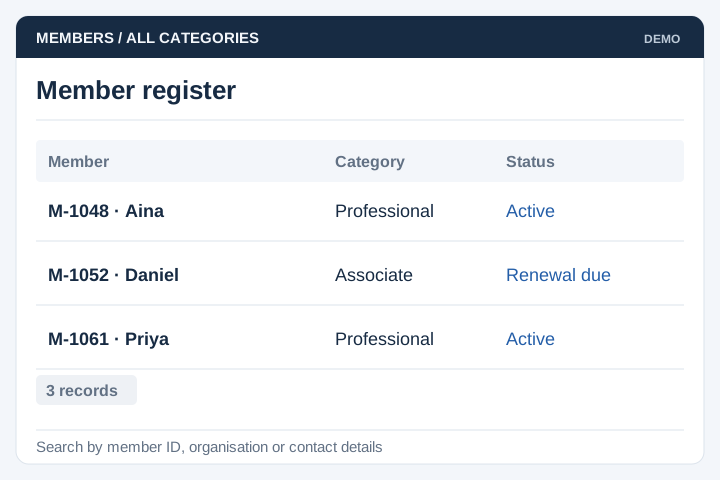
Maintain member categories, contact details and the agreed supporting documents.
Solution
UNO develops member portals for associations, clubs and professional bodies. Membership records, renewal processing and payment reporting can be managed through a common workflow for members and the secretariat.
Illustrative interface previews with sample data. Final screens are designed around your requirements.
Maintain member categories, contact details and the agreed supporting documents.
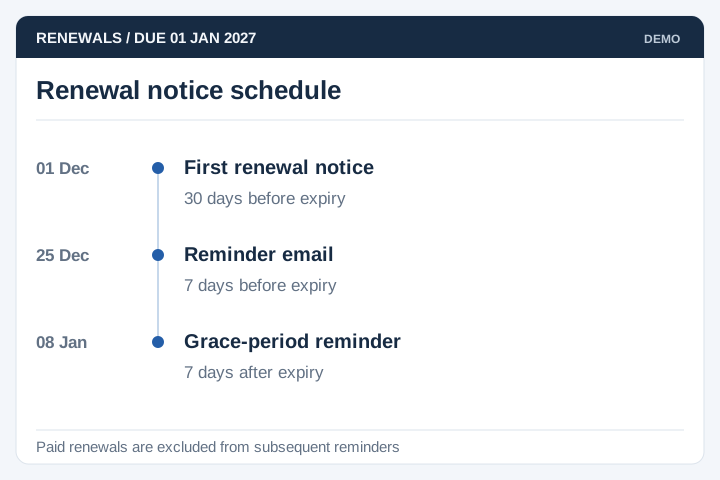
Schedule notices according to renewal dates, grace periods and membership status.
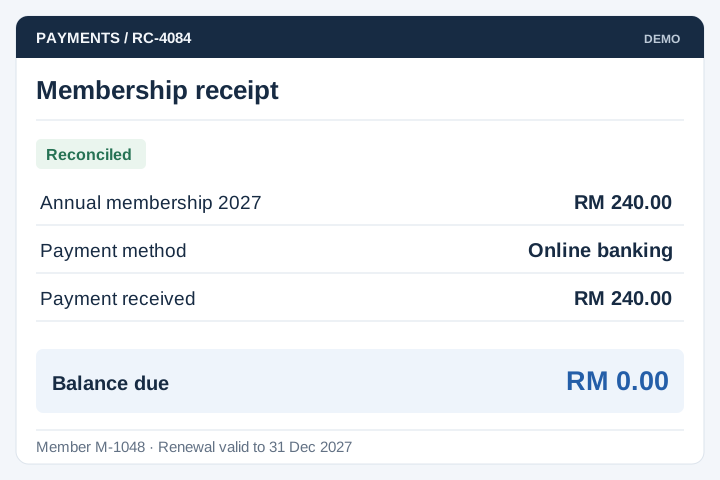
Record supported online and manual payments, with receipt and reconciliation rules.
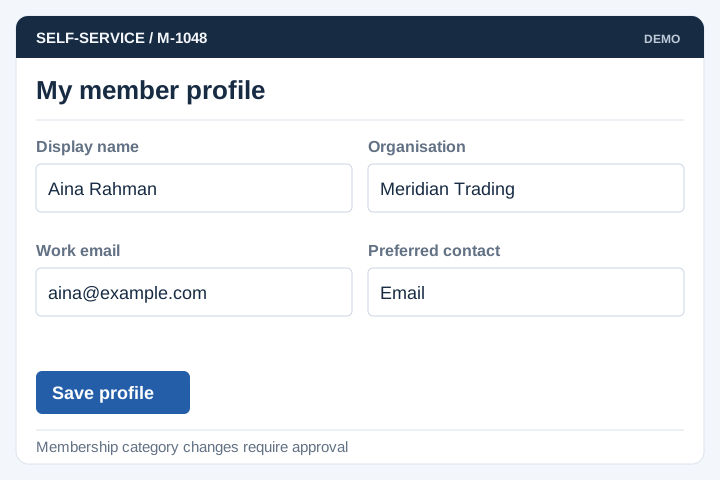
Let members update permitted details and access their available documents.
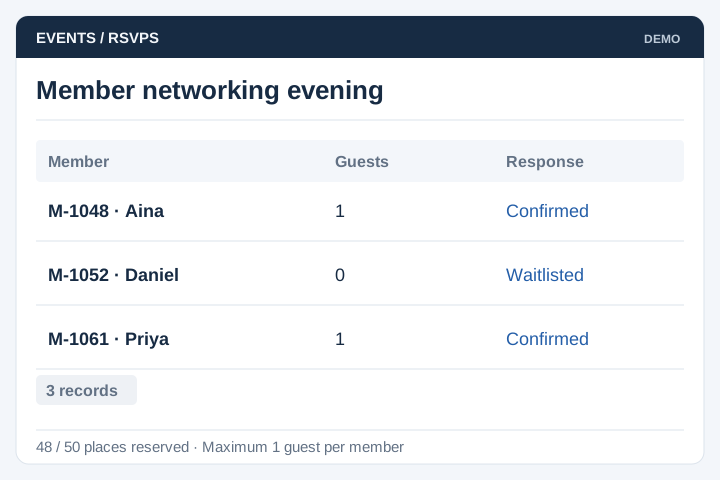
Manage member event eligibility, registration limits and attendance records.
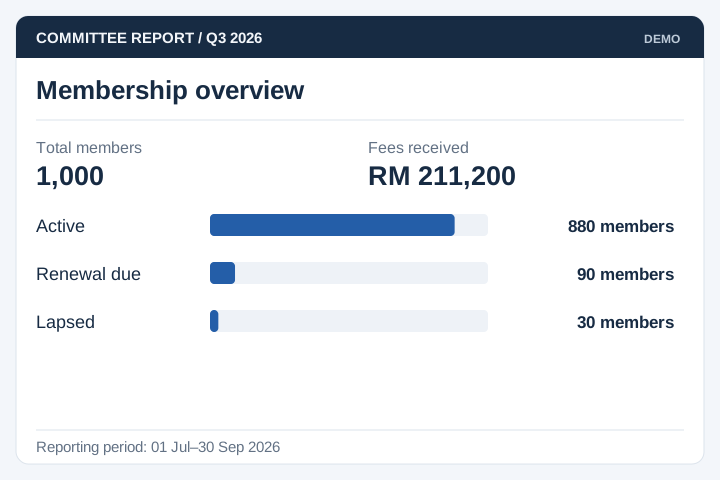
Report membership status, payments and renewals for the relevant committee period.
Historical member lists often contain duplicate accounts, expired categories or incomplete payment references. Agree how these records will be resolved and who approves the migrated data.
A staged delivery process with agreed scope, review points and acceptance criteria.
Review the current workflow, users, records and systems with the people responsible.
Agree the scope, screen flows, integration approach and acceptance criteria.
Develop and test the agreed workflows, including permissions and exceptions.
Plan rollout, training, handover and the support arrangements for live use.
A member portal should make status and next actions clear. Keep the rules for self-service aligned with the administration and finance records behind it.
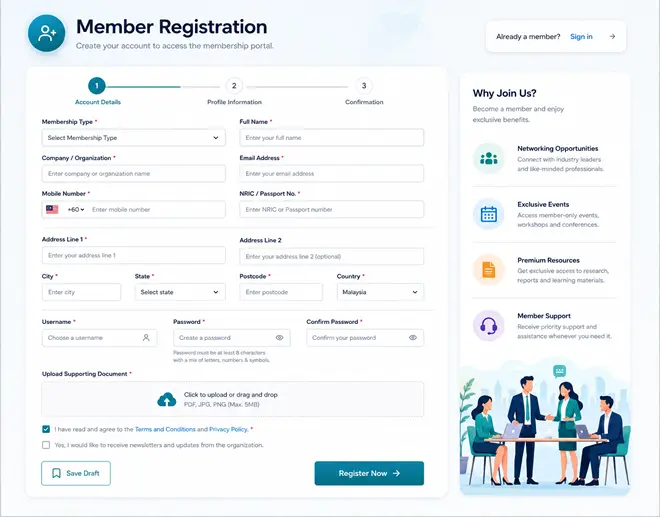
Define membership categories, required information and review stages. Explain when an applicant becomes eligible for restricted content or member benefits.
Agree renewal dates, payment matching and reminders. Handle a late payment or unmatched reference without incorrectly changing member status.
Specify what access changes when membership ends and how it is reinstated. Keep a history of status decisions for authorised administrators.
A membership portal lets people apply, update their details and complete renewal tasks online. Administrators manage applications, membership status and records in the same system. UNO scopes the portal around your membership categories and approval rules.
Yes. Categories can have their own fees, eligibility criteria and renewal periods. We need to define how upgrades, lapses and reinstatements work, including any manual approval. The portal can then show each member the next action relevant to their account.
Existing records can be reviewed for migration from spreadsheets or another system. We check member identifiers, duplicates, payment history and expiry dates before importing them. A trial migration gives your administrators a chance to verify the records.
Online payment can be included through a supported payment gateway. The system needs to match the payment to the member and renewal period, then apply the agreed approval rules. Bank transfers and other manual payments may need a staff confirmation step.
Applications can include required documents and a staff review step. Define who checks eligibility, how applicants supply missing information and which decision activates membership. Payment and application approval should have separate statuses if paying a fee does not automatically make someone a member.
Members can be given access to selected profile fields while administrators retain control of membership status and approval records. Decide which edits take effect immediately and which need review. Keeping a change history helps resolve questions about earlier contact or company details.
Use these planning briefs to review the users, business rules and integrations your project may need.