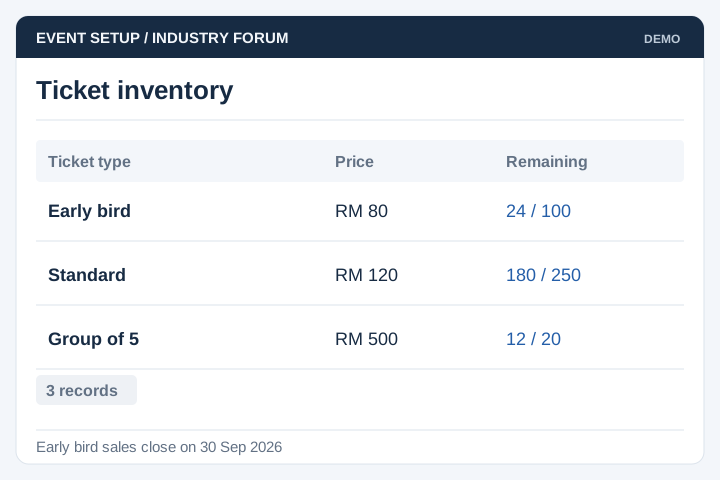
Ticket Types
Set ticket categories, booking periods and capacity limits.
Solution
UNO develops registration and ticketing systems for event organisers, venues and associations. The workflow can cover delegate information, payment, ticket issue and entry checks, with reporting for the event team.
Illustrative interface previews with sample data. Final screens are designed around your requirements.
Set ticket categories, booking periods and capacity limits.
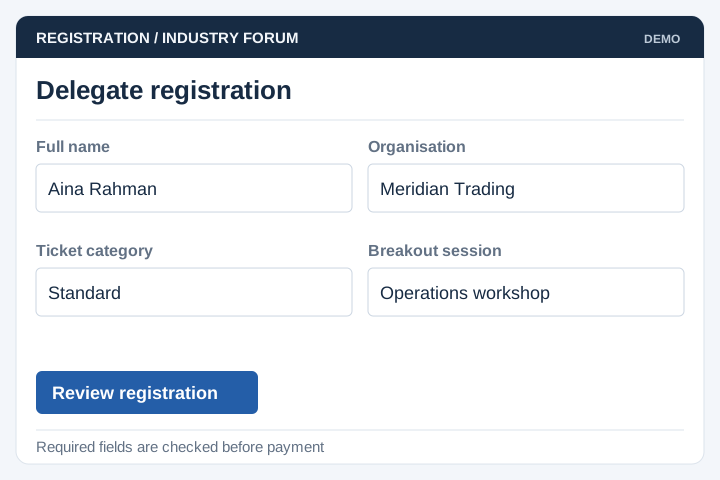
Collect the delegate information required for the event and selected sessions.
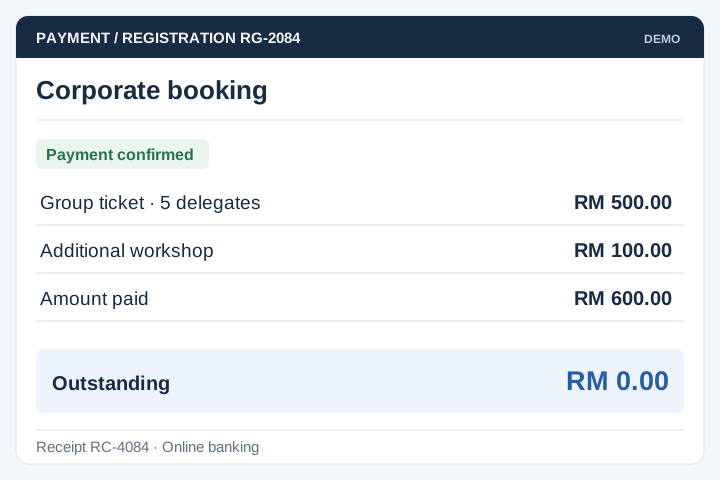
Connect supported payment methods and define corporate booking arrangements.
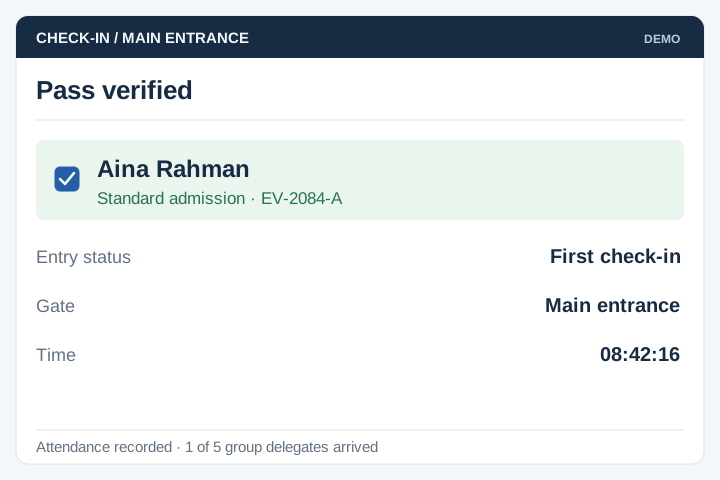
Issue passes with identifiers that can be validated at entry.

Plan scanning devices, network requirements and exception handling at the venue.
Report sales and attendance using the update intervals supported by the system.
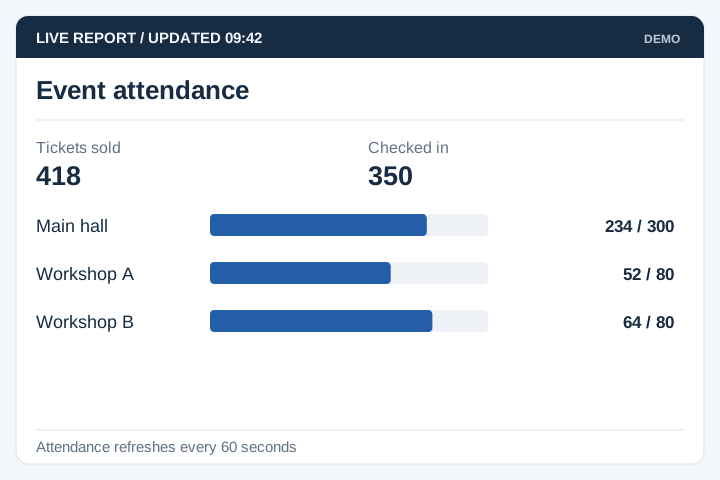
Ticketing must cope with name changes, duplicate scans and connectivity problems. Review the entry process with the venue team and test it using the planned devices.

A staged delivery process with agreed scope, review points and acceptance criteria.
Review the current workflow, users, records and systems with the people responsible.
Agree the scope, screen flows, integration approach and acceptance criteria.
Develop and test the agreed workflows, including permissions and exceptions.
Plan rollout, training, handover and the support arrangements for live use.
Work back from the date registration must open. Test the complete attendee journey, including payment and entry, with the people who will run the event.
Define delegate fields, ticket categories, capacities and approval requirements. Decide whether one purchaser can register several attendees.
Agree when payment or approval makes a ticket valid. Define cancellation, transfer, re-entry and how staff handle a code already used.
Test scanner connectivity, duplicate scans and the process for checking an attendee manually. Reconcile offline activity and rehearse the support handover.
Yes. The scope can cover event listings, registration forms, payment confirmation and attendee check-in. UNO plans these as a connected process so the registration status used by gate staff agrees with the booking and payment records.
Yes. Ticket types can have different prices, capacities and eligibility rules. Member rates, group bookings and complimentary passes need clear rules too. We also define which details must be collected from the buyer and each attendee.
A QR code identifies the ticket; the check-in system then checks its status and records admission. Repeat scans should show that the ticket has already been used. Offline or multi-gate entry needs additional planning because scanners may not share updates immediately.
Cancellation and refund handling can be included. The ticket status must change when a refund is approved so it cannot still be used at entry. Provider refund rules, partial refunds and organiser approval steps need to be agreed during scoping.
Group registration can keep the buyer's payment details separate from each attendee's name and ticket. Decide whether names are required at purchase or can be supplied later. Ticket transfers, substitutions and group cancellations need organiser-approved rules.
Test the busiest expected arrival period with the actual scanners and network setup. Include used tickets, unpaid bookings, damaged codes and manual attendee searches. Gate staff need clear exception instructions and a way to distinguish a scanning problem from an invalid ticket.
Use these planning briefs to review the users, business rules and integrations your project may need.