Order Sync
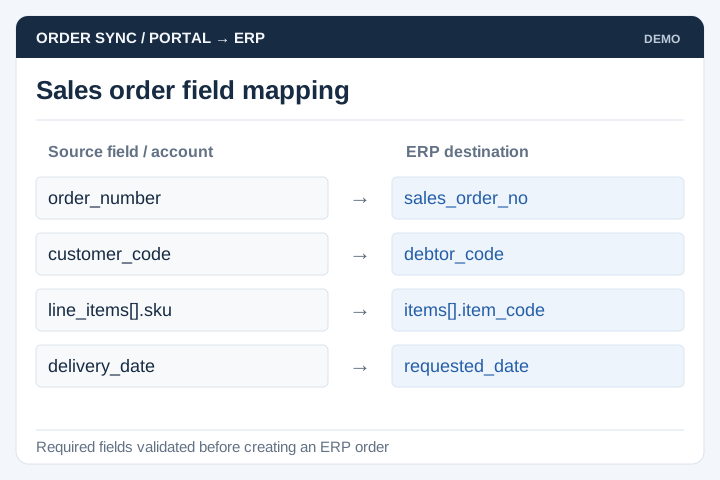
Map approved order fields and customer references to the ERP transaction format.
Solution
UNO develops ERP integrations for businesses connecting online orders, POS transactions, stock and accounting records. The work focuses on data mapping, update timing and recovery when transactions do not transfer as expected.
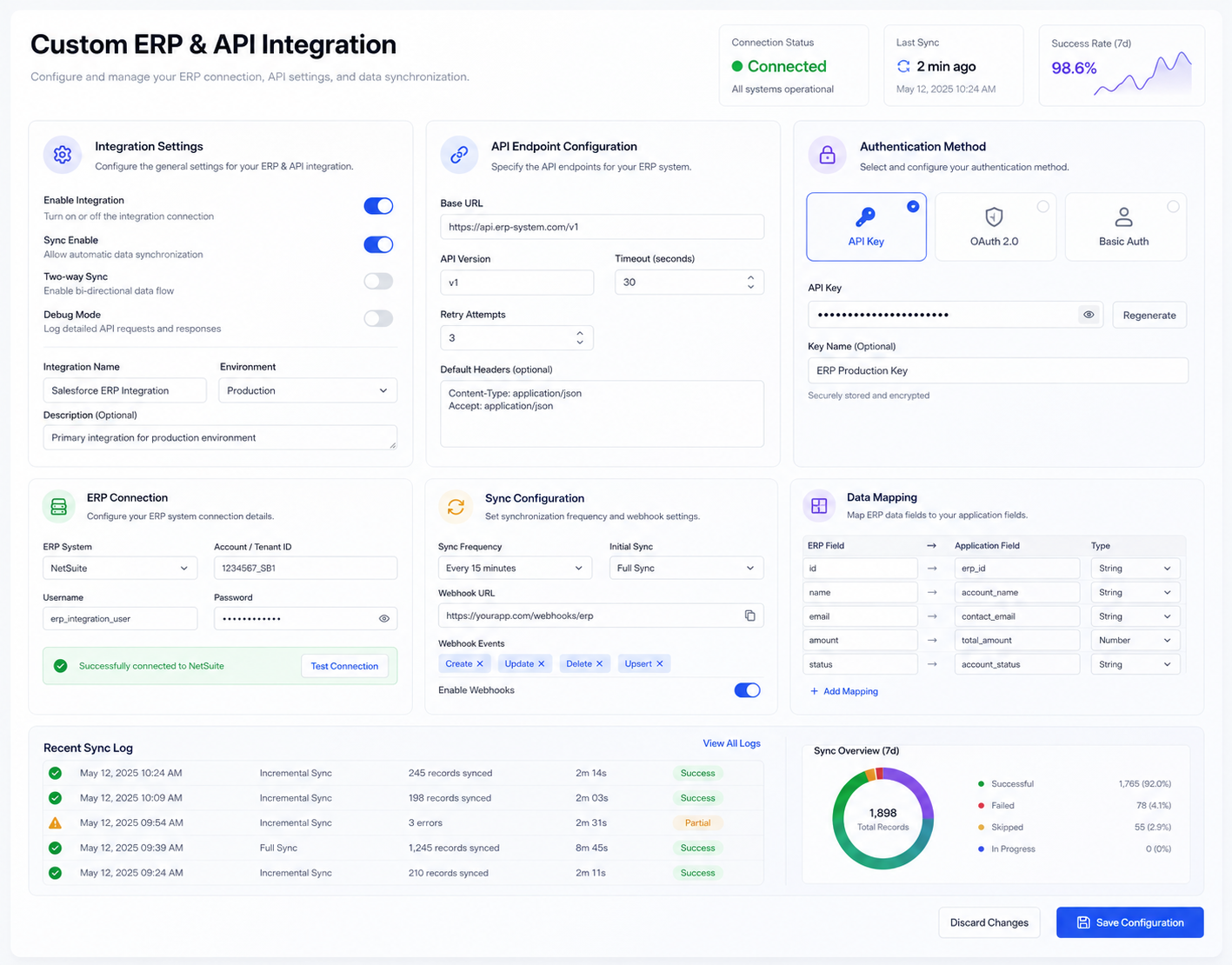
Illustrative interface previews with sample data. Final screens are designed around your requirements.
Map approved order fields and customer references to the ERP transaction format.
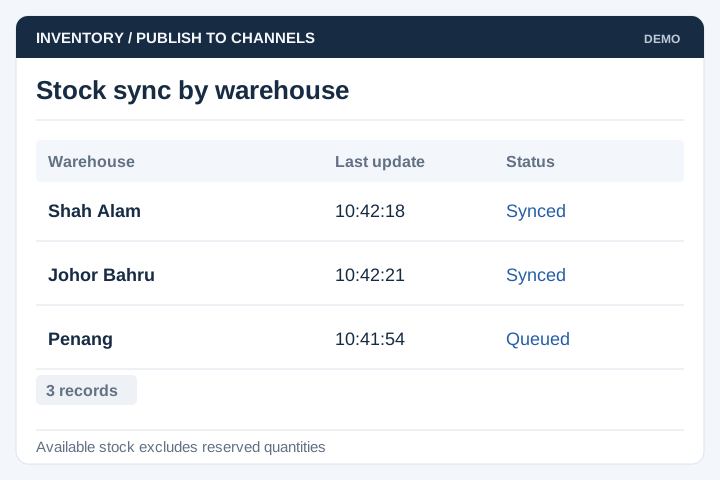
Define stock availability and update frequency for each warehouse or sales channel.
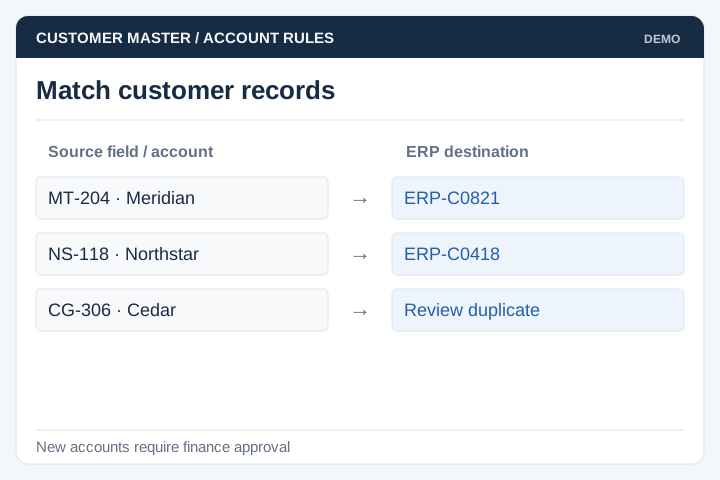
Match customer identifiers and establish rules for new or duplicate accounts.
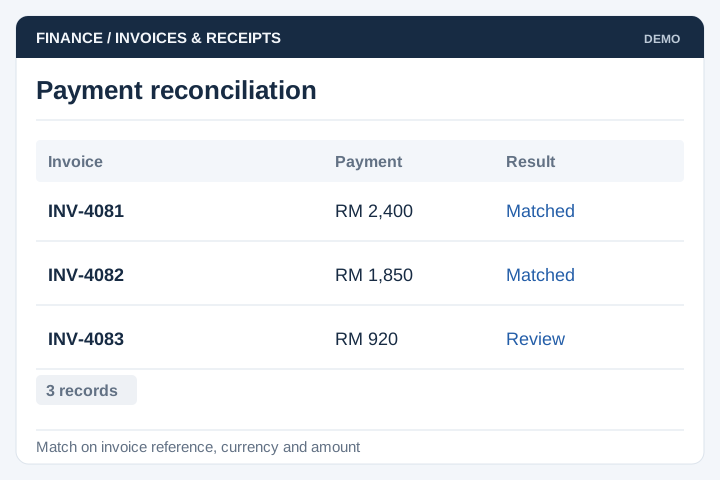
Connect the agreed invoice and payment records, with reconciliation checks.
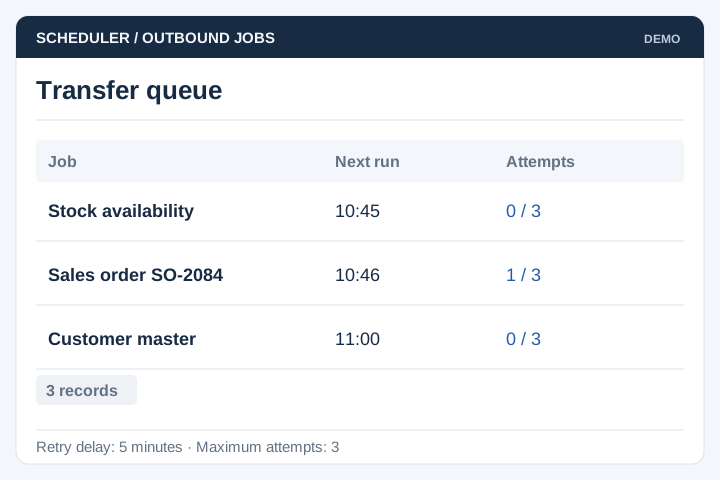
Schedule transfers and controlled retries according to the system interfaces.
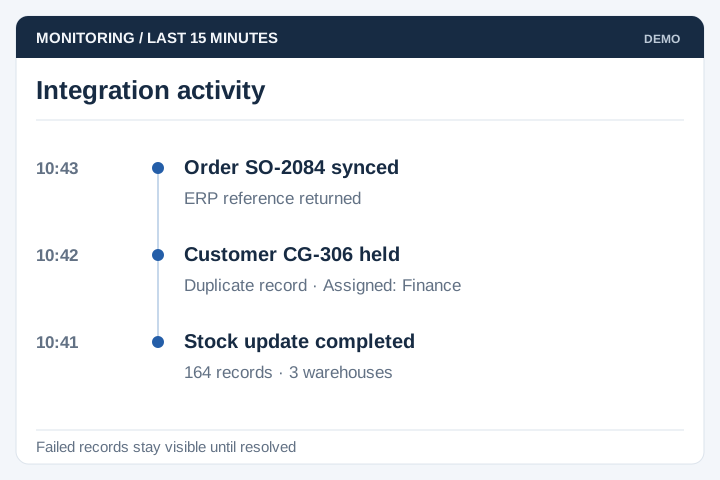
Log transfer status and assign responsibility for resolving failed records.
A successful API response is not the same as a reconciled business record. Agree how staff will compare totals, investigate exceptions and correct a transaction after it has transferred.
A staged delivery process with agreed scope, review points and acceptance criteria.
Review the current workflow, users, records and systems with the people responsible.
Agree the scope, screen flows, integration approach and acceptance criteria.
Develop and test the agreed workflows, including permissions and exceptions.
Plan rollout, training, handover and the support arrangements for live use.
An integration needs explicit ownership of prices, customers, orders and stock. The correct update direction may differ for each record type.
List source identifiers, required fields and permitted updates. Specify which system wins when values differ and when records may be created or closed.
Agree update frequency and acknowledgement rules. Use consistent identifiers so a retry cannot silently create duplicate orders or accounting entries.
Keep a failed transfer visible for review. Correct the cause, retry it and compare both systems before marking it resolved; name the team responsible for that process.
Yes, where the ERP has a supported interface for the required records. We review the ERP version, modules, permissions and vendor documentation first. A connection may cover orders, stock, customers or finance records, depending on what the ERP exposes.
The project needs an agreed source for each value. Often the ERP holds approved stock and prices while a website or portal displays them, but this depends on your process. We also define how quickly updates must appear and what users see when data is delayed.
Some can update when a record changes; others rely on scheduled transfers. The right approach depends on the ERP, its usage limits and how current the information needs to be. An hourly report and a checkout stock check have different requirements.
The integration should record the failure, alert the responsible team and provide a controlled retry or correction process. Duplicate checks matter when sending orders or invoices again. Staff should be able to see whether a record was received, rejected or is still pending.
Use a shared reference for each order and compare transfer status, line items and totals. Reconciliation reports should show missing, rejected or mismatched records for staff to investigate. A successful connection alone does not prove that every order has been accepted correctly.
An ERP upgrade can change field formats, authentication or available interfaces. Review the vendor's change notes and test the affected workflows before switching production versions. The support agreement should identify who coordinates with the ERP vendor and who updates the connection.