Contract Pricing
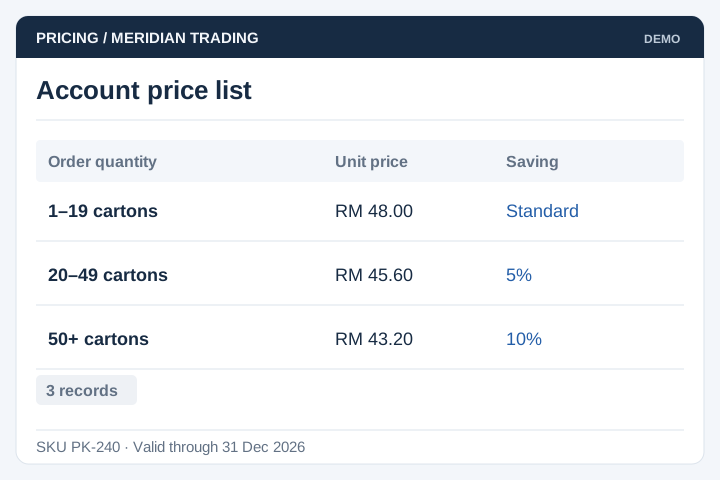
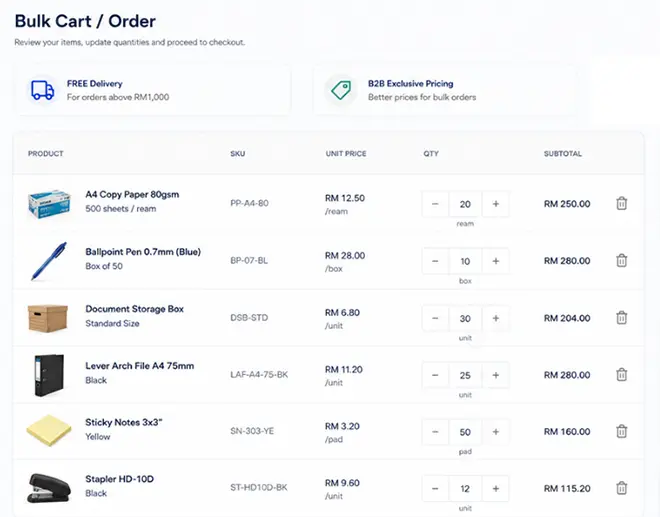
Apply price lists, quantity breaks and promotion dates to the relevant customer account.
Solution
UNO develops ordering portals for manufacturers, wholesalers and distributors. Trade customers can submit orders against approved catalogues and account rules, while your team manages fulfilment through the systems it already uses.
Illustrative interface previews with sample data. Final screens are designed around your requirements.
Apply price lists, quantity breaks and promotion dates to the relevant customer account.
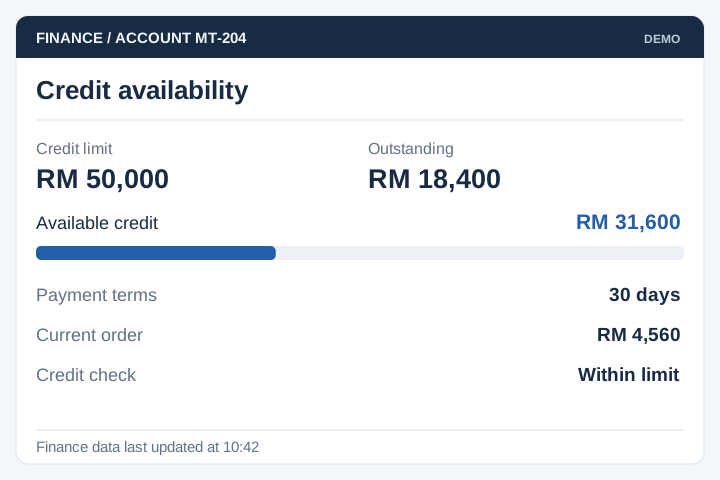
Check credit limits and account status using the agreed finance-system data.
Support several purchasers within an account, with approval levels where required.

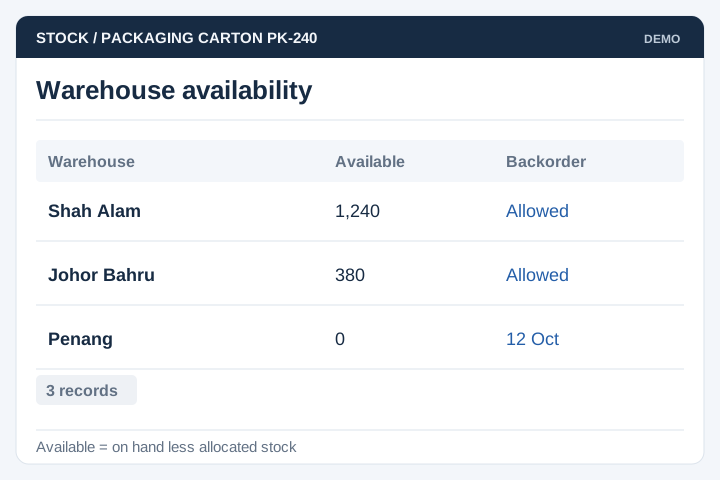
Display availability according to warehouse, allocation and backorder rules.
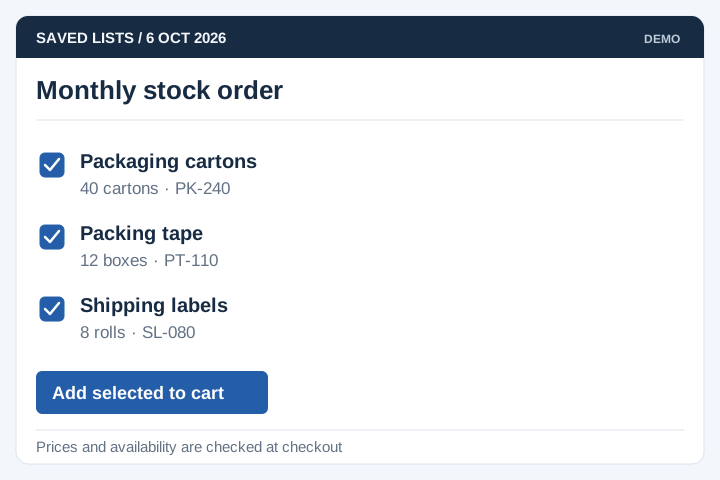
Provide order history and saved lists for regular purchases.
Exchange orders and agreed account records with the ERP through supported interfaces.
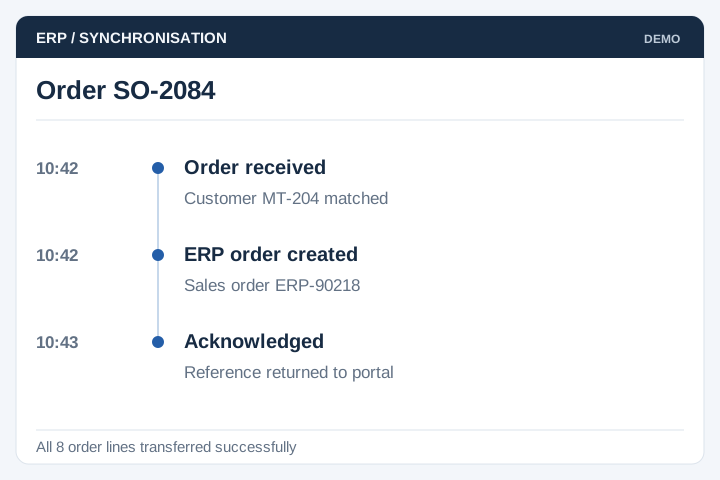
Trade orders often involve negotiated prices, credit limits and delivery arrangements. Document who can override these rules and which system holds the approved values.
A staged delivery process with agreed scope, review points and acceptance criteria.
Review the current workflow, users, records and systems with the people responsible.
Agree the scope, screen flows, integration approach and acceptance criteria.
Develop and test the agreed workflows, including permissions and exceptions.
Plan rollout, training, handover and the support arrangements for live use.
An order portal must reflect the commercial rules your sales and operations teams use. Walk through a normal order and a blocked order before agreeing checkout.
Check the customer price list, permitted catalogue, minimum quantities and purchaser authority. Decide who can approve an exception.
Distinguish a submitted order from one accepted by the ERP. Explain credit holds, unavailable stock, backorders and partial fulfilment to the buyer.
Agree how dispatch, cancellation and revised quantities return to the portal. Reconcile failures so a missing update does not leave the customer with a misleading status.
A B2B ordering portal gives approved buyers a place to view products, check their account prices and submit orders. Staff can review those orders with the relevant customer and delivery details attached. UNO scopes the portal around how your trade accounts buy.
Yes. The portal can use customer or account-group price lists and restrict which products a dealer can buy. We need to establish where approved prices are stored and how contract prices, promotions and quantity discounts interact.
Credit checks can be included if the finance system provides reliable account balances and credit limits. The process needs rules for overdue accounts, delayed updates and authorised overrides. A buyer should see clearly whether an order is accepted or awaiting review.
It can where the ERP supports the required connection. We map customer codes, product codes, quantities and delivery details, then agree how order acknowledgements and changes return to the portal. Failed transfers need to be visible to the team handling orders.
Buyer and approver roles can be included within a dealer account. Agree spending limits, approval steps and who may change an order after review. The portal should distinguish a saved draft, an order awaiting approval and an order accepted for fulfilment.
A repeat order should use current account prices and availability, rather than silently copying an old total. Show changed items, discontinued products and backorders before submission. Minimum order quantities, carton sizes and delivery rules should be checked again too.